Resetting a smart device does not unlink it from your cloud account or cancel its subscription. Before handing over keys, unlink each device from your account first, then factory reset it, then confirm it has disappeared from the app. Cameras and locks come first, because a stale registration is a security problem for both households.
- Unlink before you reset. Resetting first can strand a device in your account with no way to remove it.
- Cameras and locks first. A camera still registered to a house you sold is a live security issue.
- Check the subscription separately. Removing hardware rarely cancels the plan attached to it.
- Leave the model numbers. The next occupant needs them for warranty and for a reset they can trust.
The three things people think are one thing
Handing over a smart home fails the same way every time, because a single action is assumed to do three jobs. It does one.
| Job | Done by a factory reset? | What actually does it |
|---|---|---|
| Wipe the device's own settings | yes | the reset |
| Remove it from your cloud account | usually not | unlinking in the app |
| Cancel the subscription | no | the billing page |
| Revoke shared household access | no | the sharing settings |
The second row is the one that bites. Reset a camera and it forgets your Wi-Fi, but your account may still list it as owned. The next occupant then cannot register it, because the vendor sees the serial as already claimed, and undoing that means a support ticket with proof of purchase.
Order of operations
Unlink first, reset second, verify third. Work device by device rather than in phases, so nothing is half-done when the removal van arrives.
- Revoke every shared access grant: family members, cleaners, dog walkers, the housemate who moved out last year.
- Remove the device from your account in the vendor app.
- Factory reset the hardware itself.
- Reopen the app and confirm the device is gone from the list.
- Check the billing page for a plan that outlived the hardware.
A camera deregistered late is a camera that spent a week streaming a house you no longer live in, to an account that should no longer reach it. Locks are the same: clear every access code, including the one you issued to a delivery firm and forgot.
What to take, what to leave
The rule that has served us: take anything genuinely portable and configured to you, leave anything whose removal damages the property or leaves it unusable.
| Device | Take or leave | Why |
|---|---|---|
| Hub | take | It holds your automations, and it is a plug-in box |
| Battery sensors | take | Adhesive, no trace, re-pair in minutes |
| Smart plugs | take | They are yours in every sense |
| Wired switches | leave | Removing one leaves a hole and no working light |
| Thermostat | leave | Unless you refit the original, and keep it |
| Video doorbell | leave | If it is wired to the chime transformer |
| Smart lock | leave | Handing over keys means handing over the lock |
If you take the hub, remember that everything you left behind stops working the moment it goes out of the door. That is fine if you told the buyer; it is a complaint if you did not.
Arriving in a home that already has devices
The reverse case is more common than people expect, and more uncomfortable. If you move into a house with smart devices already fitted, assume the previous occupant still has access until you prove otherwise.
- Factory reset everything yourself, even devices the seller says they reset. It costs minutes and settles the question.
- Change the Wi-Fi password before you connect anything. A device holding old credentials is harmless once those credentials are dead.
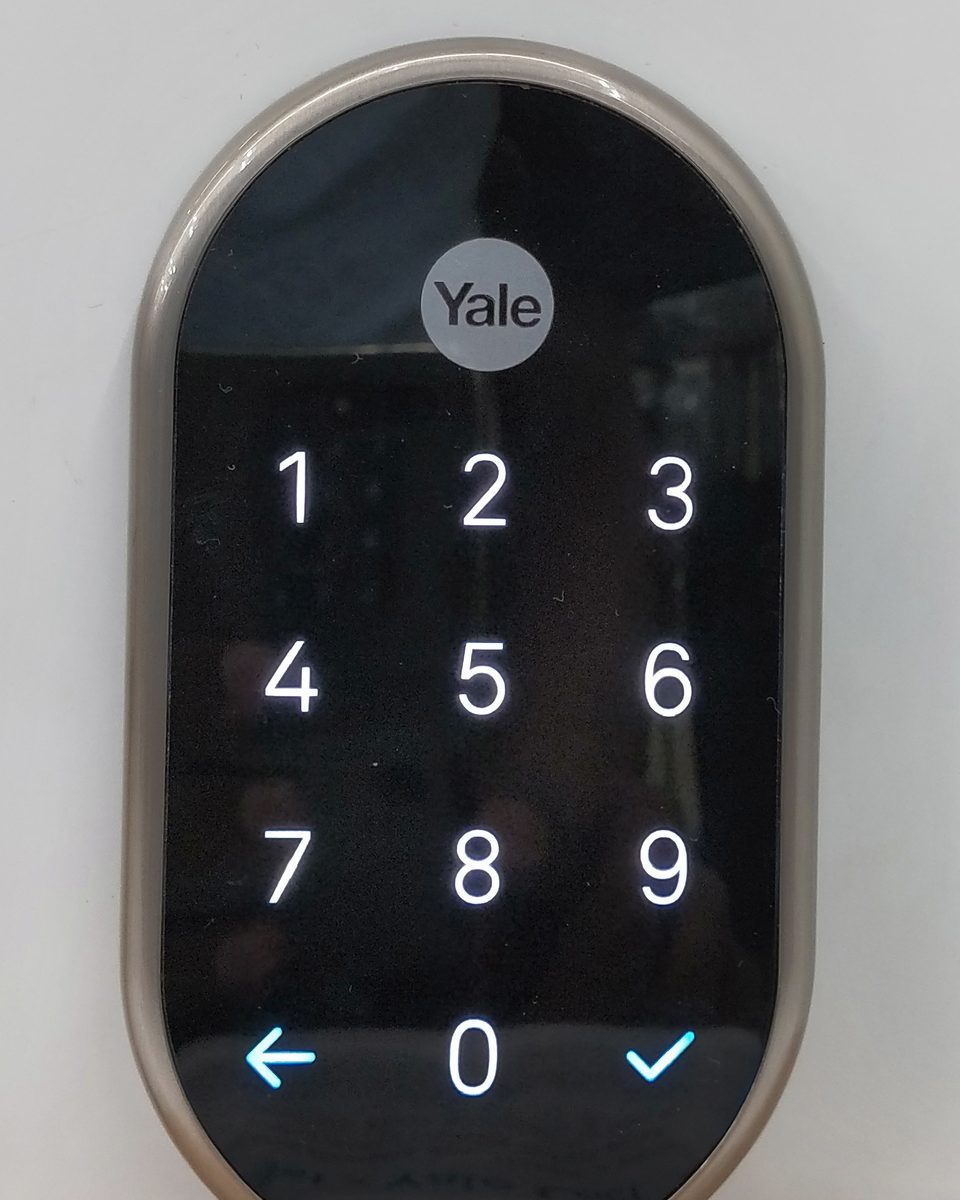
- Rekey or reset the lock. A smart lock still holding somebody else's code is exactly as bad as a spare key under the mat.
- Look for devices you cannot see: in-wall relays behind switches, a sensor in the loft, a hub in a cupboard. Scan the network rather than trusting the walkthrough.
Frequently asked
Does a factory reset remove a device from my account?
Usually not. The reset clears the device; your account may still list it as owned. Unlink it in the app first, then reset, then confirm it has gone from the list.
Should I leave my smart devices for the buyer?
Leave anything wired in, take anything that plugs in or sticks on. If you take the hub, say so, because everything you left behind stops responding when it leaves.
What if I already reset a device without unlinking it?
Sign in to the vendor account and remove it from the device list; that usually still works. If the serial shows as claimed and will not release, vendor support can clear it with proof of purchase.
Do I need to tell the buyer which devices are fitted?
It is not usually a legal requirement, but a note with model numbers and locations is the difference between a working home and a support call. It also protects you if a device is later found still linked to you.
Keep reading
 Pairing
"Your device requires a Thread border router": the real fix
The error almost never means what it says. Nine times out of ten the border router exists and IPv6 is the thing that is broken.
 Radio
RadioZigbee and Wi-Fi on 2.4 GHz: pick the channel that stops the drops
Zigbee 15, 20 and 25 exist for a reason. Here is the overlap map and how to move channel without re-pairing forty devices.
 Longevity
The great bricking: how to buy gear that outlives its manufacturer
Wemo's cloud went dark in January 2026. Here is the four-question test we now run before any purchase.