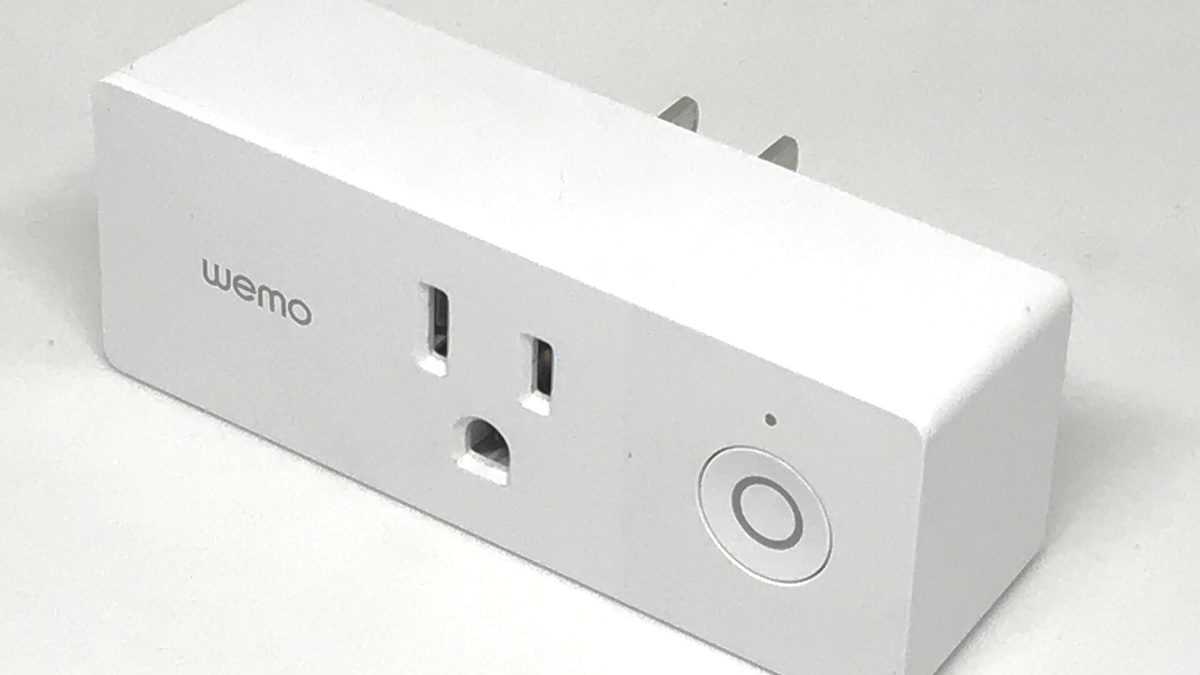
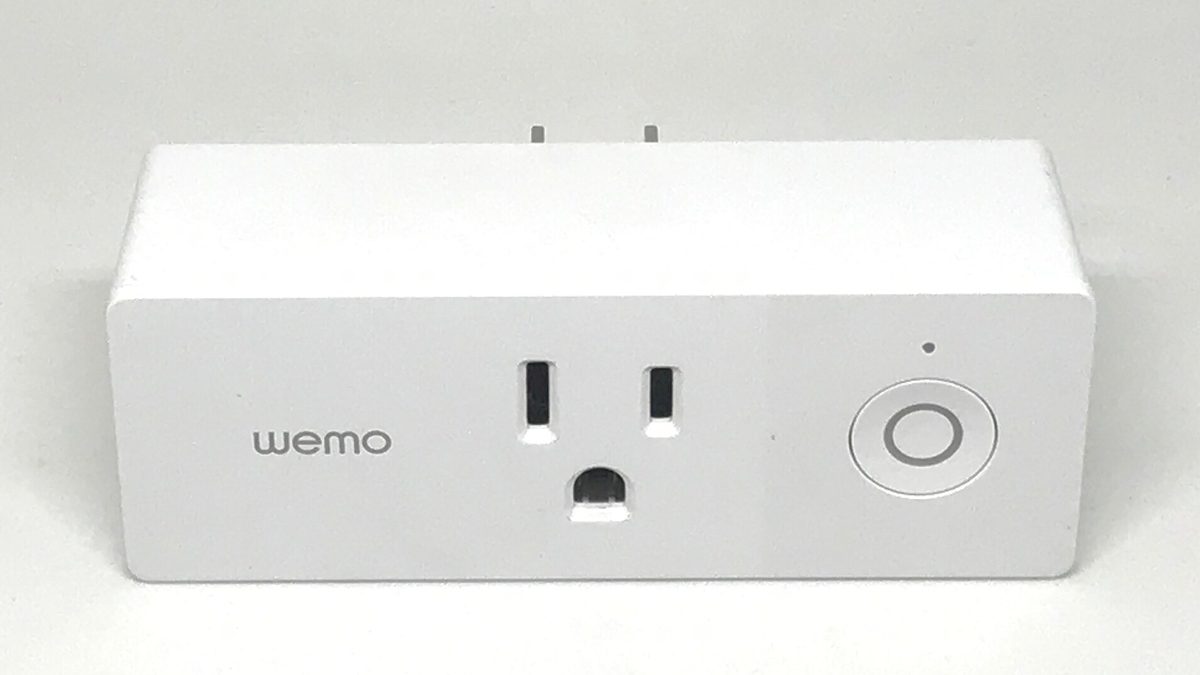
Cloud shutdowns turn working hardware into plastic: Belkin ended Wemo cloud services in January 2026 and the devices stopped responding. Zigbee, Z-Wave and Thread devices survive a vendor exit because any third-party hub can adopt them; Wi-Fi devices that require a vendor account do not.
- Pull the WAN cable and press the button. That is the whole buying test.
- The transport decides survival, not the brand and not the price.
- A mandatory cloud account at setup means the setup path itself breaks later.
- Local-first has real costs: remote access and backups become your job.
What actually happened
Belkin announced that cloud services and app support for selected Wemo products would end in January 2026. After that date the affected devices could no longer be controlled through the Wemo app, through Alexa, or through Google Home. Nothing physically failed. The switch on the wall still had a relay in it, and no longer had anything to talk to.
It was not an isolated case. Google ended support for the entire Nest Secure alarm system in 2024, hubs, sensors and key fobs together. The legacy Dropcams followed. The pattern is structural, not accidental: maintaining cloud infrastructure for a device sold once, at hardware margins, is a cost that outlives the revenue.
Cloud dependency is another word for rental. When the servers stop, the product stops, and a $60 light switch becomes a plastic shell that still needs unscrewing from the wall.
The four questions we now ask before buying
We apply these before price, before reviews, before the brand. A device that fails any of the first two does not enter the test home.
- Does it work with the internet unplugged? Not "does it have a local API", literally: pull the WAN cable and press the button. If the answer is no, the vendor owns the device more than you do.
- Does it need an account to complete setup? A mandatory cloud account at commissioning means the setup path itself will break when the servers go.
- What protocol is underneath? Zigbee, Z-Wave, Thread and Matter-over-Thread survive a vendor exit because a third-party hub can adopt the device. Proprietary Wi-Fi does not.
- Is there a documented local interface? A local REST API, MQTT, RTSP for cameras, or open firmware. This is the difference between a device that gets rescued by the community and one that goes to the tip.
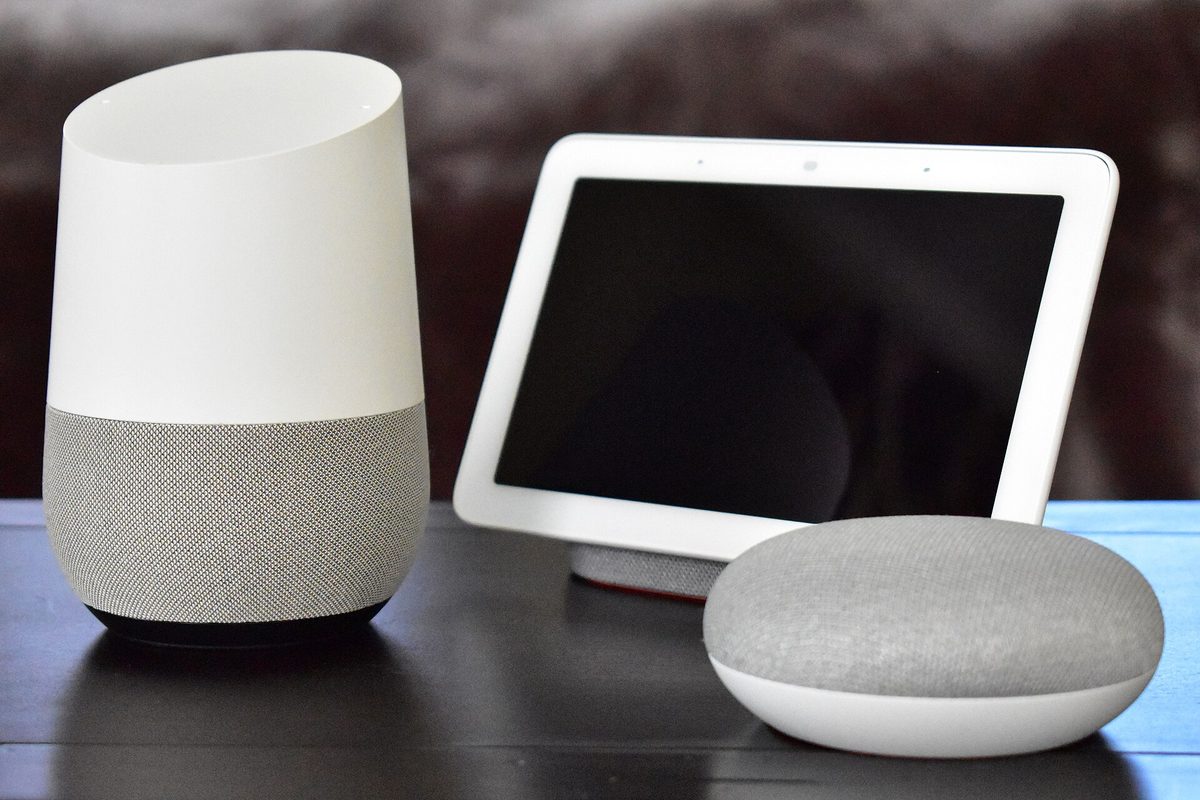
Survival by protocol
How each transport behaves the day the manufacturer stops caring:
| Transport | Vendor cloud dies | Vendor app dies | Rescue path |
|---|---|---|---|
| Zigbee | keeps working | keeps working | any Zigbee coordinator |
| Z-Wave | keeps working | keeps working | any Z-Wave controller |
| Thread / Matter | keeps working | keeps working | any Matter controller |
| Wi-Fi + local API | keeps working | degraded | local API or reflash |
| Wi-Fi, cloud-only | dead | dead | none |
| Proprietary RF hub | usually dead | dead | only if hub is adopted |
Of the twenty-three devices we bought this year, four were cloud-only. Two of those four have already had a feature removed by firmware update since purchase. None of the nineteen local devices lost anything.
Rescuing what you already own
A device announced for shutdown is not always lost. In rough order of effort:
- Check for a local mode you never enabled. Several brands ship a LAN control toggle buried in developer settings, off by default. Shelly, Tasmota-based devices and many cameras have one.
- Adopt it with a generic hub. Zigbee and Z-Wave devices can be factory reset and joined to any coordinator. You lose the vendor app and keep the hardware.
- Reflash the firmware. ESP-based Wi-Fi plugs and bulbs often take Tasmota or ESPHome. This voids the warranty and is the most durable outcome available.
- Use RTSP directly for cameras. Many cameras stream RTSP on the LAN regardless of cloud state; point a local recorder at it and the cloud subscription becomes irrelevant.
- Accept the loss and harvest the parts. A bricked cloud plug is still a relay, an enclosure and a socket.
What local-first costs you
Honesty matters here, because the local-first argument is often made as if there were no trade-off.
- Remote access becomes your problem: a VPN or a reverse proxy you maintain, rather than a vendor tunnel that just works.
- You own the backups. A hub with your entire automation state on an SD card is a single point of failure until you back it up.
- Setup takes longer. Commissioning to a generic hub is measured in minutes rather than the thirty seconds a vendor app takes.
- Some features genuinely need the cloud, mainly AI processing that a local box cannot run. Face recognition on a $40 camera is cloud work.
For us the trade is clearly worth it, because the failure mode changes shape. A local setup breaks when you break it, and it breaks in a way you can fix. A cloud setup breaks on a date chosen by someone else.
Frequently asked
Does Matter guarantee my device will keep working?
It guarantees the control protocol, not the vendor's commitment. A Matter device commissioned into a local controller keeps its basic functions after a vendor exit. Matter-over-Wi-Fi devices that still rely on a vendor cloud for firmware and notifications lose those parts.
Is Home Assistant the only local option?
No. Hubitat, openHAB and most Zigbee or Z-Wave coordinators run automations locally. Home Assistant is the largest, so it has the widest device support and the most rescue integrations.
Should I avoid cloud devices completely?
Not necessarily, but price them as a subscription. A cloud-only camera at $40 with a five-year life is $8 a year of hardware, which can be perfectly reasonable if you decide that consciously.
How can I tell before buying?
Search the model name with the words local API, and check whether it appears in third-party integration lists. If a community has already reverse-engineered local control, the device has a future beyond its vendor.
Keep reading
 Pairing
"Your device requires a Thread border router": the real fix
The error almost never means what it says. Nine times out of ten the border router exists and IPv6 is the thing that is broken.
 Radio
RadioZigbee and Wi-Fi on 2.4 GHz: pick the channel that stops the drops
Zigbee 15, 20 and 25 exist for a reason. Here is the overlap map and how to move channel without re-pairing forty devices.
 Renting
A renter's smart home: no drilling, nothing left behind
Adhesive, battery and plug-in only. A complete setup for under $200 that fits in one box on moving day.