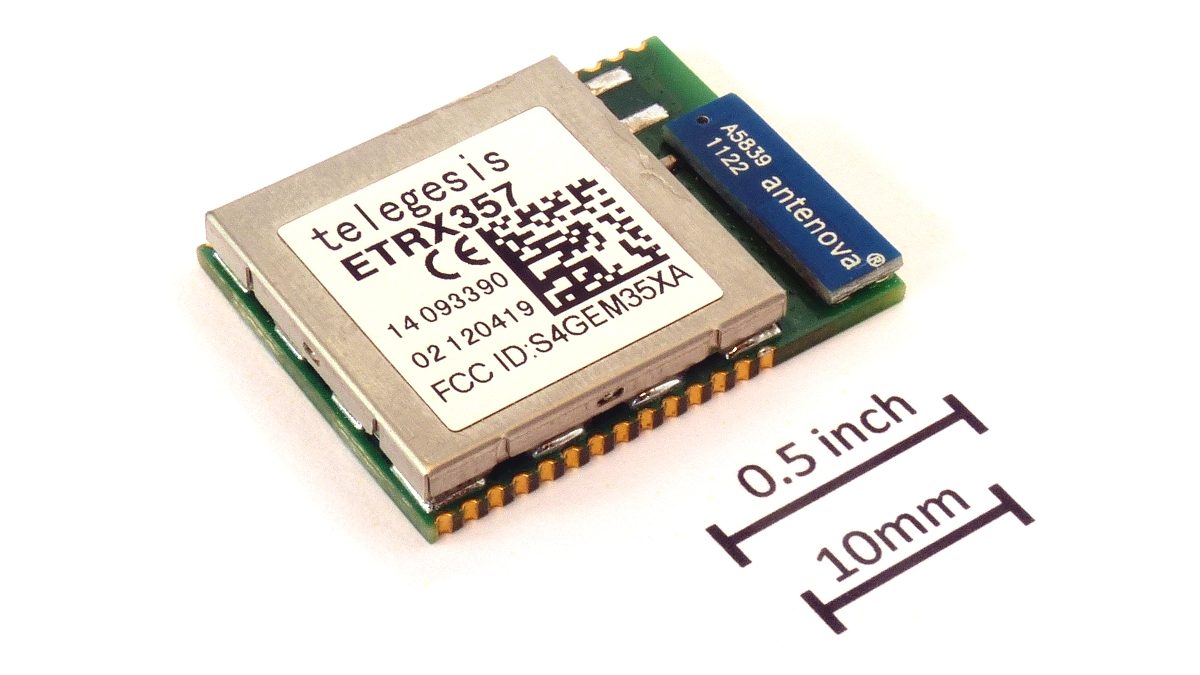
Zigbee and Wi-Fi share the 2.4 GHz band, and Wi-Fi transmits at roughly fifty times the power. Zigbee channels 15, 20 and 25 are the three that fall between the standard Wi-Fi channels 1, 6 and 11. Moving from channel 11 to 15 cut sensor dropouts from 31 a week to 2 in our test home.
- Channel 11 is the factory default and sits directly under Wi-Fi channel 1. Change it.
- Move Zigbee, not Wi-Fi. Wi-Fi carries more clients and has more to lose.
- Channel 26 looks cleanest but transmits at reduced power, so range suffers.
- Change channel network-wide, wait an hour, then re-pair only what is still missing.
Why your Wi-Fi always wins
Zigbee sensors, switches, bulbs and plugs all talk over 2.4 GHz, the same crowded band as your Wi-Fi, your Bluetooth headphones and your microwave. The asymmetry matters: a Wi-Fi access point typically transmits at 100 mW while a Zigbee sensor transmits at 1 to 3 mW. When they overlap, the sensor loses every time.
The symptom is distinctive. Devices do not fail outright, they go unavailable and come back. Battery sensors last months instead of years, because every retransmission costs power.
Moving from Zigbee channel 11 to channel 15, while Wi-Fi stayed on channel 1, cut sensor unavailability events from 31 per week to 2, and added roughly seven months to the projected life of a CR2032 door sensor.
The overlap map
Each Wi-Fi channel is 20 MHz wide; each Zigbee channel is 2 MHz wide with 5 MHz spacing. So Zigbee fits in the gaps, provided you know where the gaps are. Wi-Fi in practice sits on channels 1, 6 and 11.
| Zigbee channel | Centre | Overlaps Wi-Fi | Verdict |
|---|---|---|---|
| 11 | 2405 MHz | 1 – 3 | Avoid, and it is the factory default |
| 15 | 2425 MHz | 6 – 7 (slight) | Best first choice |
| 20 | 2450 MHz | 9 – 11 (slight) | Good second choice |
| 25 | 2475 MHz | 13 (slight) | Good, patchy device support |
| 26 | 2480 MHz | none | Cleanest, but reduced transmit power |
It sits outside the Wi-Fi band entirely, which looks ideal, but regulatory power limits force radios to transmit lower on it and many older devices do not support it. Cleaner spectrum, shorter range.
Choose the pair, not the channel
The right answer depends on where your Wi-Fi sits, and Zigbee is the one that should move. Wi-Fi has more clients and more to lose.
- Wi-Fi on channel 1 → Zigbee 15, 20 or 25
- Wi-Fi on channel 6 → Zigbee 20 or 25
- Wi-Fi on channel 11 → Zigbee 15
- Wi-Fi on auto → pin it to 1, 6 or 11 first, then choose Zigbee. An access point that hops channels will eventually land on top of your mesh.
If you also run Thread, it uses the same channel numbering. Give Thread and Zigbee different channels, at least 15 MHz apart, or they will interfere with each other as effectively as Wi-Fi does.
How to change channel without re-pairing everything
This is the part that stops people. On Zigbee, the coordinator announces a channel change and routers follow, but sleepy end devices, the battery ones, can miss the announcement and be stranded.
- Change the channel with a network-wide change command rather than by editing the coordinator config. Mains-powered routers follow within minutes.
- Leave the mesh alone for one hour. Sleepy devices wake on their own reporting interval and find the new channel.
- After an hour, list whatever is still unavailable. Those are the ones to re-pair, typically a handful, not the whole install.
- Wake stubborn battery devices by pressing their button once. Many rejoin immediately.
Zigbee2MQTT keeps it in data/coordinator_backup.json, ZHA in the config directory. With that backup, a coordinator that refuses to come back can be restored without re-pairing a single device.
What to fix before blaming the channel
A channel change fixes interference. It does not fix a weak mesh, and the two produce similar symptoms.
- Get the coordinator off the router. A USB dongle plugged directly into a hub or NAS sits inside a cloud of USB 3.0 noise; a 1 m extension cable is the cheapest range upgrade there is.
- Count your routers. Every mains-powered Zigbee device relays. If your only routers are three bulbs in one room, the far side of the house has no path home.
- Do not put the coordinator next to the access point. One metre of separation is worth more than most channel changes.
- Check the 2.4 GHz width. An access point running 40 MHz channels on 2.4 GHz covers the entire band and leaves Zigbee nowhere to go. Set it to 20 MHz.
The Zigbee channel picker applies the same 20 MHz rule to the Wi-Fi channels you actually see around you.
Open the channel pickerThe figures in this guide are available as open data (CSV and JSON, CC BY 4.0).
Frequently asked
What is the best Zigbee channel overall?
Channel 15 for most homes, because it sits in the gap between Wi-Fi 1 and 6 and is supported by every device. Channel 20 is the equivalent choice if your Wi-Fi is on channel 1.
Should I change the Wi-Fi channel instead?
Only if your Zigbee coordinator cannot change channel. Wi-Fi carries more clients and more traffic, so moving Zigbee is the lower-risk change.
Does moving to 5 GHz Wi-Fi solve it?
It helps a great deal, since it takes your highest-bandwidth traffic off the band entirely. But 2.4 GHz stays on for older clients, so choose a good Zigbee channel anyway.
Can Zigbee and Thread share a channel?
Technically yes, practically no. They use the same radio standard and will collide. Keep them at least three Zigbee channels apart, for example Zigbee on 15 and Thread on 25.
Keep reading
 Pairing
"Your device requires a Thread border router": the real fix
The error almost never means what it says. Nine times out of ten the border router exists and IPv6 is the thing that is broken.
 Longevity
The great bricking: how to buy gear that outlives its manufacturer
Wemo's cloud went dark in January 2026. Here is the four-question test we now run before any purchase.
 Renting
A renter's smart home: no drilling, nothing left behind
Adhesive, battery and plug-in only. A complete setup for under $200 that fits in one box on moving day.