The “requires a Thread border router” error rarely means one is missing. Across nineteen pairing attempts in our test home, fourteen failures were IPv6 or VLAN configuration, three were Thread credentials absent from the phone, and only two were a genuinely missing border router.
- Check IPv6 first. Thread is IPv6-only; if the LAN routes no Thread prefix, nothing else matters.
- Test on a flat network. If it pairs there, the VLAN policy is at fault, not the device.
- Your phone needs the dataset of that specific Thread network, and it is stored per ecosystem.
- A second border router is rarely the answer. It creates a second Thread network rather than extending the first.
What the error is really reporting
A Matter-over-Thread device cannot join a network by itself. It needs a border router to relay between the Thread mesh and your IP network, and it needs the commissioning phone to hold the credentials for that specific Thread network. The error message names the first requirement and stays silent about the second, which is why so many people go out and buy a second border router that changes nothing.
This is not a rare edge case. The onboarding threads keep climbing: one Home Assistant thread carrying this exact wording has passed 4,800 views, an iOS pairing-error thread sits above 5,800, and a VLAN-related Matter-over-Thread thread has crossed 13,000. More people are buying Matter devices than are being told there is a Thread network underneath them.
Across nineteen pairing attempts in our test home, fourteen failures were IPv6 or VLAN issues, three were credential sync between ecosystems, and two were genuinely a missing border router.
Check you have a border router at all
Before anything else, confirm one is actually present and awake. These devices act as Thread border routers, and most homes already own one without knowing:
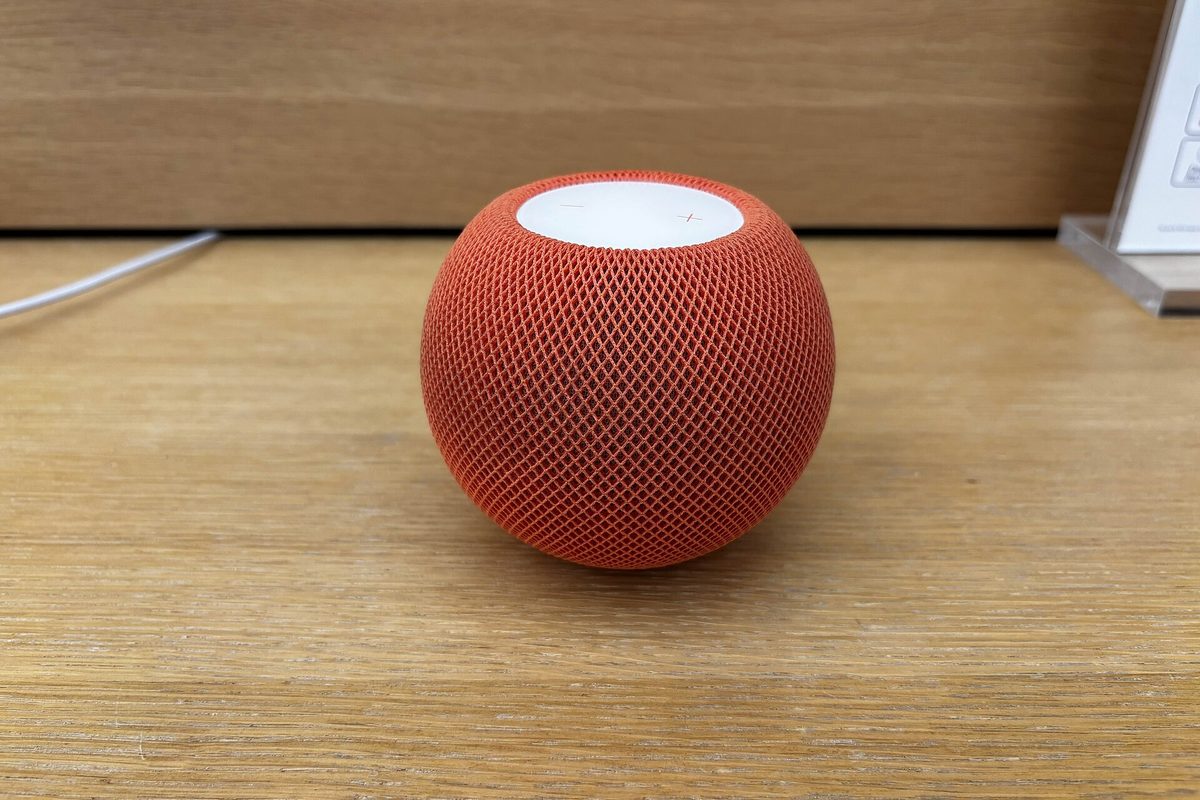
- Apple TV 4K (2nd and 3rd generation) and HomePod mini
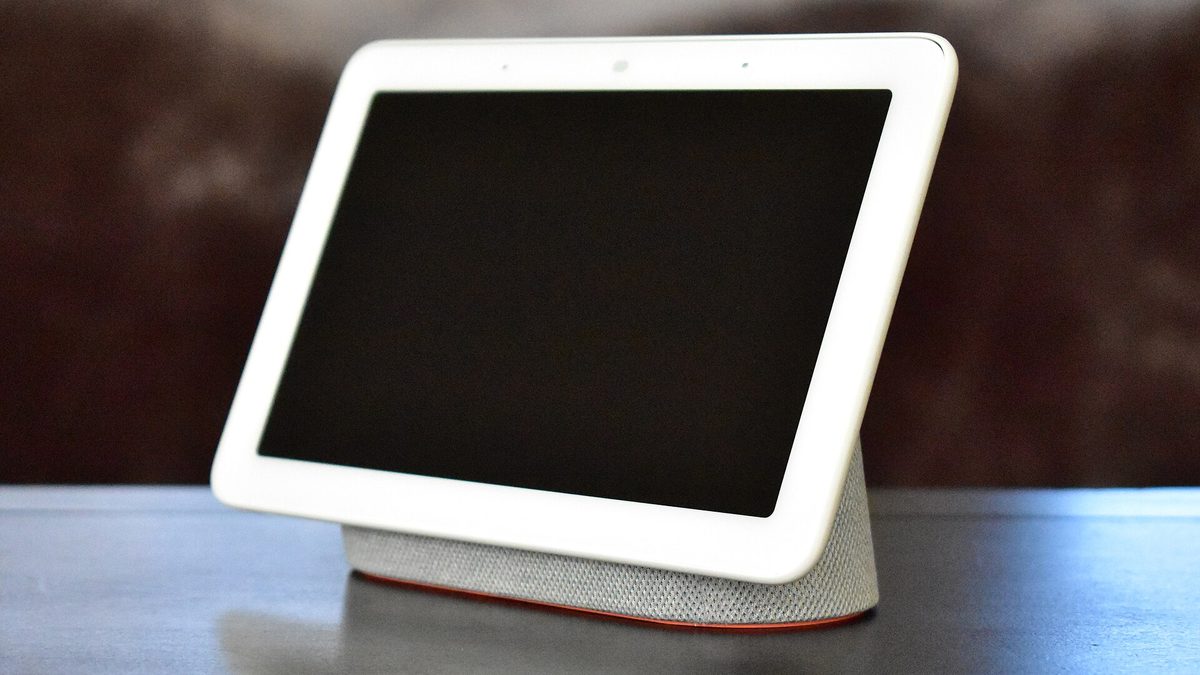
- Google Nest Hub (2nd generation) and Nest Wifi Pro
- Amazon Echo (4th generation) and Echo Hub
- Home Assistant Yellow, Green, and the SkyConnect or ZBT-1/ZBT-2 dongles
- Aqara hub M3, SmartThings Station, and most 2024-onward Matter hubs
An Apple border router builds an Apple Thread network. A Google one builds its own. Two border routers in the same house do not automatically form one mesh, and a device commissioned into one is invisible to the other.
Fix 1: make IPv6 actually work
Thread is IPv6-native. Every Thread device gets an IPv6 address and the border router advertises a route to that prefix on your LAN. If your router drops IPv6, or your controller cannot reach the advertised prefix, commissioning fails at exactly the step that produces this error.
- Enable IPv6 on the LAN side of your router. Not just the WAN side, and not just for internet access. Thread needs link-local and unique-local addressing on the local network.
- Disable any "IPv6 firewall" preset that blocks ICMPv6 router advertisements. Thread route discovery rides on those.
- If you run Home Assistant on Linux with NetworkManager, use 1.42 or later. Earlier versions lose track of routes, and the stale entries leave Thread devices unreachable in a way that looks exactly like a missing border router.
- Verify from the controller host, not from your phone.
If the second command returns nothing, the border router is not publishing its prefix to your LAN, and no amount of re-pairing will help.
Fix 2: stop the VLAN from eating multicast
Segmenting IoT onto its own VLAN is good practice and the single most common cause of this failure. Commissioning depends on mDNS discovery and on multicast reaching the border router, and most default VLAN configurations quietly stop both at the boundary.
| Setting | Symptom when wrong | What it needs to be |
|---|---|---|
| mDNS reflector / Avahi | Device never appears in the app | Enabled across the phone and IoT VLANs |
| IGMP / MLD snooping | Pairs, then drops within minutes | Enabled, with a querier on the IoT VLAN |
| Client isolation | "Border router required" at 60% | Off for the border router and the phone |
| IPv6 router advertisements | Commissioning times out | Allowed on the IoT VLAN |
The pragmatic test: put the phone, the border router and the new device on one flat network for the length of commissioning. If it pairs, the problem is the VLAN policy, not the device. Once commissioned, a Thread device does not need the phone again.
Fix 3: sync the Thread credentials to the phone
This is the failure that looks most like broken hardware and is the fastest to fix. Your phone must hold the operational dataset for the Thread network before it can commission a device onto it. Android and iOS store those datasets separately, per ecosystem.
- iOS: the credentials arrive with the Apple border router. If you are commissioning from Android into an Apple-created Thread network, the Android phone has no dataset and will report exactly this error.
- Android: Google Home syncs its dataset to the phone's Thread credential store. A third-party app can request it, but only after Google Home has been opened at least once on that device.
- Home Assistant: Settings, then Devices & Services, then Thread. Use "add to my phone" so the companion app holds the same dataset as the border router.
A widely-read thread about commissioning from Android against an Apple TV border router reported this exact error and was resolved only once Thread credentials were synced to the phone. Nothing about the hardware changed.
When the device itself is at fault
Sometimes it really is the device. IKEA's 2026 Matter-over-Thread line shipped with a firmware defect that made devices fail to connect up to half the time, with a fix promised afterwards. If one device fails while others on the same border router pair in seconds, check the firmware notes before touching the network again.
Our rule after nineteen attempts: if two different devices fail, it is the network. If one device fails, it is that device.
The figures in this guide are available as open data (CSV and JSON, CC BY 4.0).
Frequently asked
Do I need a second border router for a big house?
Not for the error itself. Extra border routers add mesh coverage, not commissioning capability, and adding one from a different ecosystem creates a second Thread network rather than extending the first.
Can I use Thread without any hub?
No. Thread needs a border router to reach IP, and Matter needs a controller to hold the fabric. The border router and the controller can live in the same box, which is what a modern hub is.
Does disabling IPv6 fix anything?
It does the opposite. Thread is IPv6-only at the transport level, so disabling IPv6 on your LAN guarantees this error.
Why does it pair and then go unavailable an hour later?
That pattern is IGMP or MLD snooping without a querier on the IoT VLAN, or NetworkManager older than 1.42 dropping the route. The device is on the mesh; your controller has simply lost the path to it.
Keep reading
 Radio
RadioZigbee and Wi-Fi on 2.4 GHz: pick the channel that stops the drops
Zigbee 15, 20 and 25 exist for a reason. Here is the overlap map and how to move channel without re-pairing forty devices.
 Longevity
The great bricking: how to buy gear that outlives its manufacturer
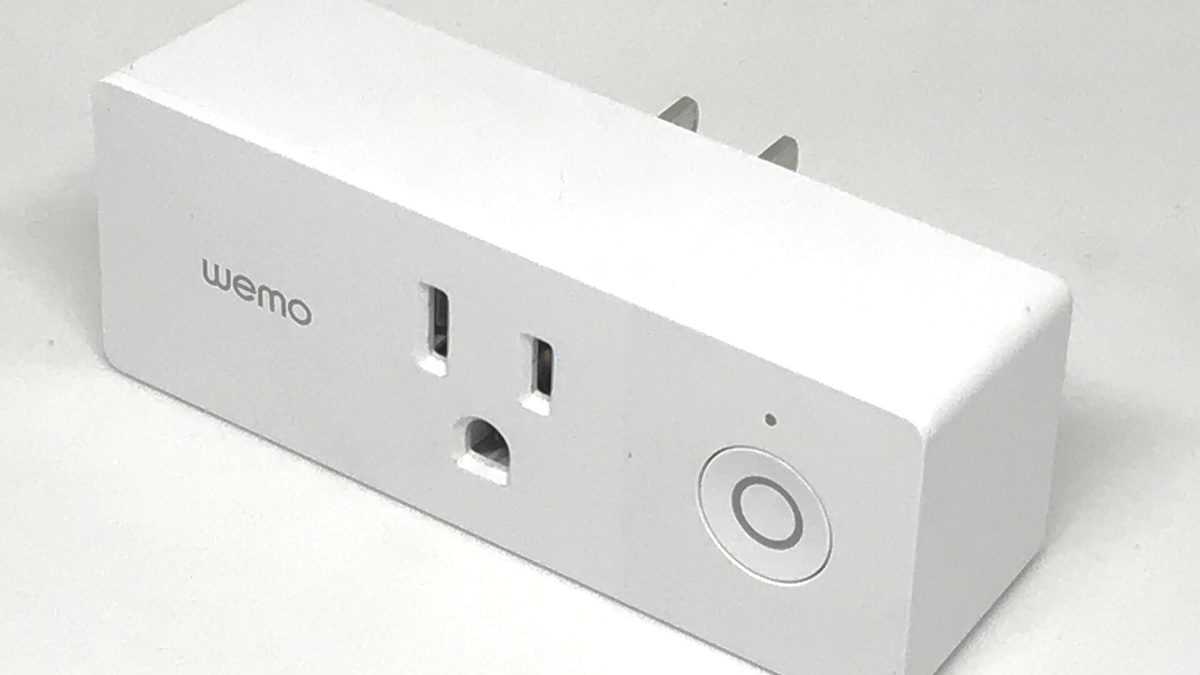
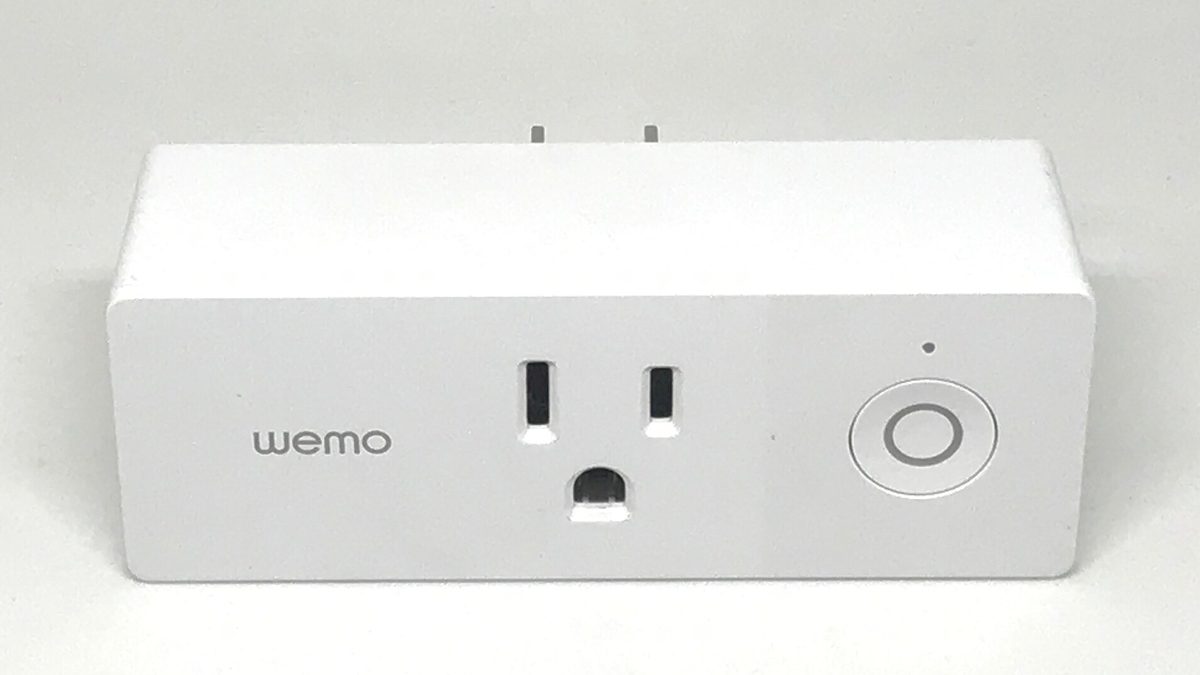
Wemo's cloud went dark in January 2026. Here is the four-question test we now run before any purchase.
 Renting
A renter's smart home: no drilling, nothing left behind
Adhesive, battery and plug-in only. A complete setup for under $200 that fits in one box on moving day.