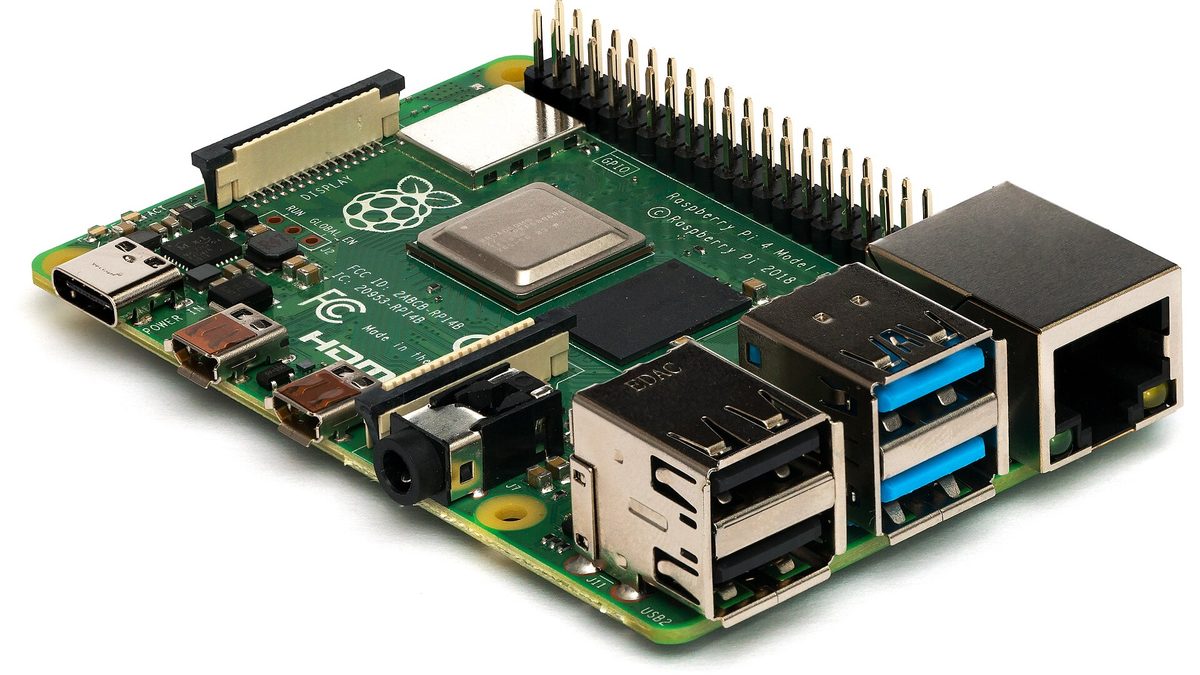
ZHA is Home Assistant's built-in Zigbee integration, built on the zigpy library. Zigbee2MQTT is a separate program that needs an MQTT broker such as Mosquitto. Both documentations say a device joined to one implementation must be factory reset before it can join the other, so switching later means re-pairing every device.
- ZHA lives inside Home Assistant; Zigbee2MQTT runs beside it and needs an MQTT broker.
- Switching is a full re-pair. Both projects require a factory reset before a device joins the other.
- Adapter migration is separate and only works for some chip families, within the same software.
- Back up the coordinator whichever you choose: it is what lets you replace a dead adapter without re-pairing.
The difference that matters is where the stack lives
Both projects drive the same USB and network Zigbee adapters, and both are open source. ZHA is an integration in Home Assistant's own codebase; its documentation calls it a “hardware-independent Zigbee gateway implementation” and it relies on the zigpy library underneath. Zigbee2MQTT is its own program. Its getting-started guide asks for an MQTT broker before anything else, with Mosquitto recommended.
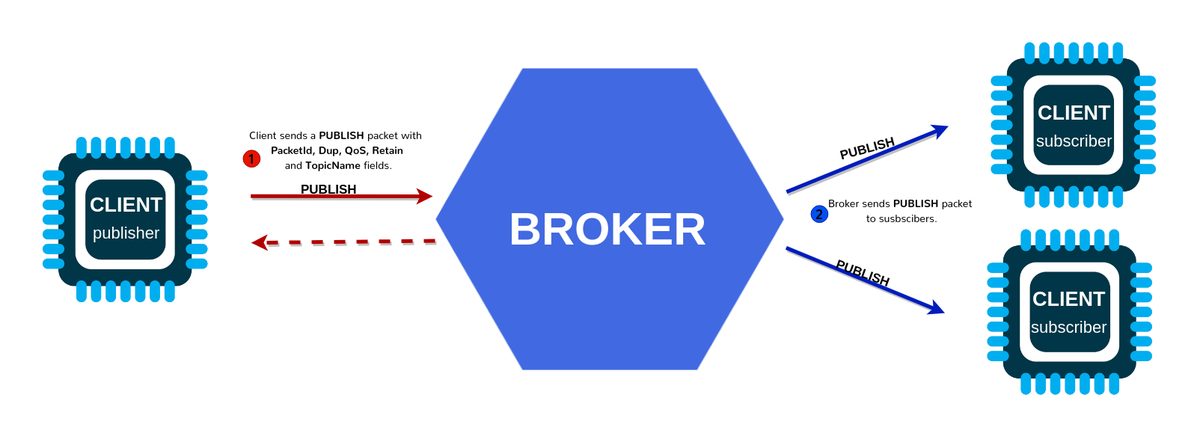
That one difference decides most of the rest. With ZHA there is no extra service to run, and devices appear in Home Assistant directly. With Zigbee2MQTT every device becomes a set of MQTT topics, which Home Assistant subscribes to, and so can anything else that speaks MQTT.
| ZHA | Zigbee2MQTT | |
|---|---|---|
| Runs | Inside Home Assistant | As a separate program or app |
| Extra service | None | An MQTT broker (Mosquitto recommended) |
| Zigbee library | zigpy | zigbee-herdsman |
| Licence | Apache-2.0 (Home Assistant), zigpy GPL-3.0 | GPL-3.0 |
| Usable without Home Assistant | No | Yes, by any MQTT client |
| Coordinator backup restore | Silicon Labs, TI, ConBee/RaspBee | TI (zstack) and Silicon Labs (ember) |
How to choose
There is no measured winner here, and we have not run both on the same network for this guide. What follows is the reasoning the architecture supports.
- Choose ZHA if Home Assistant is, and will stay, your only controller, and you want the fewest moving parts: no broker to secure, update or back up.
- Choose Zigbee2MQTT if you want the Zigbee network to outlive a change of controller, to feed other tools such as Node-RED directly over MQTT, or to keep running while Home Assistant restarts, because it is a separate process.
- Either way, check your specific devices against each project's supported-device documentation before you commit, since that is what you will live with.
An MQTT broker is one more service with its own credentials, updates and failure modes. It is a small cost and well understood, but it is the real price of Zigbee2MQTT's flexibility, so count it.
Switching from one to the other
This is the part comparisons skip. A Zigbee device can belong to one network at a time, and neither project restores the other's network. Both documentations say the same thing in nearly the same words: devices previously connected to another Zigbee implementation must be reset to factory defaults before they can join.
- Inventory first. List every Zigbee device and where it is, including the ones behind furniture. Battery sensors are the ones people forget.
- Plan the resets. Each device has its own reset method: a button held for a few seconds, a power-cycle sequence for bulbs, a pin for sensors. Look them up before the evening you start.
- Pair mains-powered routers first. Plugs and bulbs extend the mesh; pairing them first gives battery devices something to join through.
- Rebuild automations last, since every entity ID changes with the new integration.
A full re-pair is tedious rather than difficult. Doing it room by room keeps the house working while you go, and makes it obvious which device failed to rejoin.
Changing adapter without re-pairing
Replacing a dead or outdated coordinator is a different operation, and it can avoid re-pairing, but only within the same software and only for some chip families. ZHA can migrate the network between Silicon Labs, Texas Instruments and ConBee/RaspBee adapters if the backup was made inside ZHA. Zigbee2MQTT supports backup and restore for Texas Instruments (zstack) and Silicon Labs (ember) adapters, and moving to a different adapter type there requires re-pairing.
Our Zigbee channel guide shows where each tool keeps that backup. Copy it somewhere off the machine on a schedule: it is the file that turns a failed adapter into a ten-minute job instead of a weekend.
Sources
- Home Assistant ZHA integration documentation
- Zigbee2MQTT getting started
- Zigbee2MQTT FAQ: adapters, backup and re-pairing
- zigpy repository
Checked on 7 October 2026. Licences come from each repository's licence file via the GitHub API on that date.
Frequently asked
Can I move from ZHA to Zigbee2MQTT without re-pairing?
No. Both projects document that a device previously joined to another Zigbee implementation must be factory reset before it can join.
Does Zigbee2MQTT need Home Assistant?
No. It publishes devices over MQTT, so any MQTT client can use them. Home Assistant is one such client.
Does ZHA need an MQTT broker?
No. ZHA is built into Home Assistant and talks to the adapter directly through the zigpy library.
Are both open source?
Yes. Zigbee2MQTT and zigpy are GPL-3.0; Home Assistant itself, which includes ZHA, is Apache-2.0.
Keep reading
 Pairing
"Your device requires a Thread border router": the real fix
The error almost never means what it says. Nine times out of ten the border router exists and IPv6 is the thing that is broken.
 Radio
RadioZigbee and Wi-Fi on 2.4 GHz: pick the channel that stops the drops
Zigbee 15, 20 and 25 exist for a reason. Here is the overlap map and how to move channel without re-pairing forty devices.
 Longevity
The great bricking: how to buy gear that outlives its manufacturer
Wemo's cloud went dark in January 2026. Here is the four-question test we now run before any purchase.